
Free U.S. Shipping on Orders over $50 - DAILY WORLDWIDE SHIPPING
FOR ALL SUBSCRIBERS

Quick Summary
A fake gaming website usually shows a lookalike domain, no clear contact details, unrealistically low prices and pressure tactics like countdown timers. Type the address yourself, check the domain's age, and confirm a real phone number before you pay.
Last Updated: November 2, 2026
Fake gaming websites work because they look like the real thing.
Scam sites rely on speed and emotion. Security.org reports that online gaming scam survey found 39% of online and video gamers had been targeted by a gaming scam at least once.
Scams aren't limited to gaming, either. The Federal Trade Commission reports that FTC consumer alert on imposter scams imposter-scam losses rose to $3.5 billion in 2025.
Fake games and unofficial sites are also a bit different from pure scams. A Penn State study on mobile games looked at Penn State research on fake mobile games how fake games fail to deliver what they promise, a useful reminder that a site can be sketchy without being a complete fraud.
Here's the warning signs, a simple checklist, and what to do if you've already bought from a site that feels wrong.
Start with the basics. If you want the same warning signs applied to retro-specific sellers, read how to spot fake retro gaming sites.
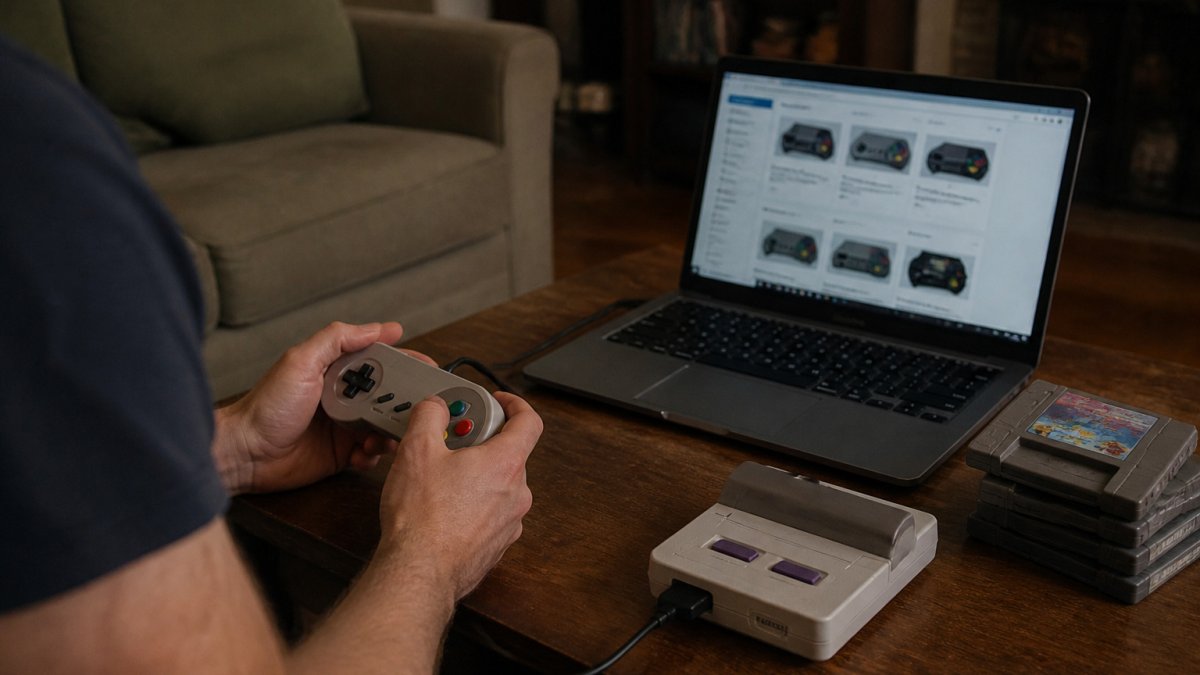
Watch out: a legit store can run a flashy sale, so one red flag alone doesn't prove a site is fake.
If a site offers a brand-new console for a fraction of the usual price, slow down. Fake shops use unrealistic deals to hook you before you've checked anything else.
Watch for these promises:
Look at the page closely. Broken English, mismatched product photos and stock images that show up on a dozen other sites are classic signs of a copied storefront.
Pushy language is another tell. Phrases like "Only 2 left, buy now or lose it forever!" are designed to rush you.
Most fake gaming sites don't fail on one dramatic tell, they fail on a stack of small ones. Run the same checks in the same order every time, so you're not relying on vibes when a deal looks tempting.
Open a fresh tab, type the store name into the address bar, and compare what loads against the link you were sent. Fake stores love lookalike domains: an extra letter, a swapped character (rn for m), a hyphen where the real brand has none, or a different top-level domain (.shop, .store, .co) next to the real .com.
This sounds paranoid until you've seen nintenda.com or playstaiton.com slip past a tired buyer at 1 a.m. Read the domain out loud, letter by letter, and compare it to the brand's official site. Scam sites also bury the real domain in subdomains, official-store.brand-name.scamdomain.xyz is not the brand's store, no matter how official the first part looks.
A padlock and https:// mean the connection is encrypted, not that the seller is honest, plenty of scam sites have valid certificates. Click the padlock and check who the certificate is issued to. If a store claims to be a known brand but the certificate is registered to an unrelated shell company or a free hosting provider, walk away.
Fake storefronts are often domains registered weeks or months ago, dressed up to look established. Free WHOIS lookup tools show registration dates. A store selling retro consoles that claims years of history but whose domain was registered last quarter is a red flag.
Scroll to the footer and look for a physical address, a phone number, and a company name you can search independently. Then search that name on your local business registry or a maps service. A real store has a location you can find; a fake one usually has a PO box, a virtual office, or nothing at all.
Open the return, warranty, and shipping pages. Real stores spell out timelines, who pays return shipping, and what's covered. Fake stores skip these pages, hide them behind a broken link, or copy generic text that contradicts itself (a "30-day returns" banner next to a policy page that says "all sales final").
If the brand has an official site, check whether it links to this store as an authorized retailer. If you found the store through a social ad, go to the brand's official social account and see whether the same promotion appears there.
Go through checkout with a cheap item or a cart you abandon at the payment step. Credit cards and established processors give you dispute rights; wire transfers, gift cards, and crypto usually don't. Financial caution remains just as essential when verifying trading cards to ensure that the assets you acquire are authentic rather than sophisticated counterfeits.
Search the exact store name alongside words like scam, refund, review, and complaint. Look for patterns across independent forums and consumer-protection sites, not just the store's own testimonials. One angry review can be a bad customer; a cluster of "never received my order" posts across different sites is a pattern.
If any step feels off, close the tab and come back tomorrow. Real deals survive a night's sleep. Fake ones usually don't, the countdown timer resets, the "only 2 left" stock magically replenishes, and the urgency evaporates. That pause is the cheapest test on the list.
Shop by Popular Retro Systems →
A real business usually leaves a trail.
Be careful with reviews, though. Fake sites can buy five-star reviews or copy testimonials.
Phone the number listed. Email the support address with a question.
The article's checks for telling a legitimate store from a fake one can be scanned at a glance.
| Check | What a real store shows | Fake-site warning sign |
|---|---|---|
| Contact details | Phone number you can call and question | No phone number, or the line dodges questions |
| Social presence | Active account with a history of posts | No account, or a brand-new one |
| Reviews | Mentions specific orders and products | Vague praise like "great site, five stars" |
| Support email | Replies to a question | No reply, or no reply at all |
Fake sites aren't the only problem for retro collectors. Counterfeit cartridges, mislabeled consoles and "refurbished" units that were only wiped down can show up on legitimate marketplaces, too.
When you check a listing, ask:
If you're looking at a refurbished Nintendo DS Lite, our guide on refurbished Nintendo DS Lite for sale: what to know covers the details to check. Game Boy Advance buyers can also learn how to judge bundled games and hardware in our guide on how to buy a Game Boy Advance with games. If a console's buttons are sticking or its screen is dim, a shop offering Video Game Console Repair Services can help you check the problem before you buy.
Rule of thumb: if a seller can't tell you exactly what you're getting, skip it.
Stick to sellers with a clear track record. A dedicated retro shop with a clear warranty and return policy gives you far more protection than a random listing.
Compare where you buy, too. Our guide to where to buy authentic Sega consoles in 2026 walks through trusted options. If you want the security of a warranty, how to buy a refurbished retro console with warranty explains what to look for.
Keep your payment information safe. Never send card details by email or chat, and never pay with gift cards to someone you don't know.
If you've already paid, the clock matters more than the embarrassment. Most recovery options below have windows, miss them and your leverage shrinks. Work through this in order, and don't wait for the site to "make it right" before you start.
Call the number on the back of your card (not a number from the fake site) and tell them you believe you were charged by a fraudulent merchant. Ask specifically about a chargeback or dispute, and ask what documentation they need and what the deadline is.
If you created an account on the fake site, assume the email and password you entered are now compromised. Change the password on any other account that used the same or a similar password, starting with your email account (the master key to everything else), then your gaming accounts, store accounts, and anything tied to a payment method.
The fake site may have pushed an app, a "launcher," or a file download. If you installed anything from it, run a full malware scan, check your browser extensions for anything you didn't add, and review your device's list of installed apps for unfamiliar entries.
Fake sites vanish fast once they've been reported. Take screenshots of the order confirmation, the product page, the checkout flow, any chat or email with "support," and the URL in the address bar. Save the emails and export your order history if the site still loads.
In the U.S., file a report with the Federal Trade Commission at reportfraud.ftc.gov, it feeds a database used by law enforcement even if it doesn't recover your money directly. Also report to your state or local consumer-protection office, and to the platform where you found the site (the social network, ad network, or search engine) so the listing gets pulled.
Keep an eye on your card statements for several months for small unfamiliar charges, scammers often test a stolen card with a tiny purchase before going bigger. Watch for phishing emails that reference the fake order ("your refund is ready, click here"), those are the same crew trying again.
Experienced collectors get caught by these sites, which is exactly why scammers build them to look legitimate. The useful takeaway isn't shame; it's a habit. Pick one check from the verification checklist above, typing the address yourself, or looking up the domain's age, and make it automatic before every purchase from a store you don't know.
Start with the basics: does the site show a physical business address, a working phone number and a clear returns policy? Fake gaming sites often hide these details or bury them in a footer that links nowhere. Compare the domain name against the official brand, look for misspelled product names, and check whether the checkout uses a padlock and a recognizable payment processor. If the site pushes urgency, like countdowns or 'only two left' banners, slow down and verify before paying. One warning sign alone may not prove a scam, but several together should make you walk away.
Act quickly. Contact your bank or card provider and tell them the payment may be fraudulent, since many issuers can block or reverse charges. Change any passwords you reused on that site, and turn on two-factor authentication for your email and payment accounts. Save screenshots of the listing, receipt and any messages, then report the site to your national consumer protection body or cybercrime reporting service. Watch for follow-up scams, because people who fell for one fake site are often targeted again.
Look for a clear company name, a physical address, and contact details you can test by calling or emailing before you buy. Read reviews on several independent platforms rather than only the testimonials on the seller's own page. Check that the warranty and return terms are written out in full and that they describe what happens if an item arrives broken. A legitimate seller will answer specific questions about how items were tested or refurbished. Vague answers are a red flag.
No. The padlock icon in your browser only means the connection between you and the site is encrypted. Scammers can get certificates too, so a secure connection proves nothing about whether the business is real. Verify the seller's identity, contact details and reviews separately from the security indicator.
If you want to shop with a store that's upfront about warranties, shipping and what you're buying, Retro Gaming of Denver offers refurbished classic consoles and games, a 1-year warranty and free shipping on orders over $50. We also offer console cleaning and repair services to keep your favorite systems running.


{"one"=>"Wählen Sie 2 oder 3 Artikel zum Vergleichen aus", "other"=>"{{ count }} von 3 Elementen ausgewählt"}
Wählen Sie das erste zu vergleichende Element aus
Wählen Sie das zweite zu vergleichende Element aus
Wählen Sie das dritte Element zum Vergleichen aus

Einen Kommentar hinterlassen